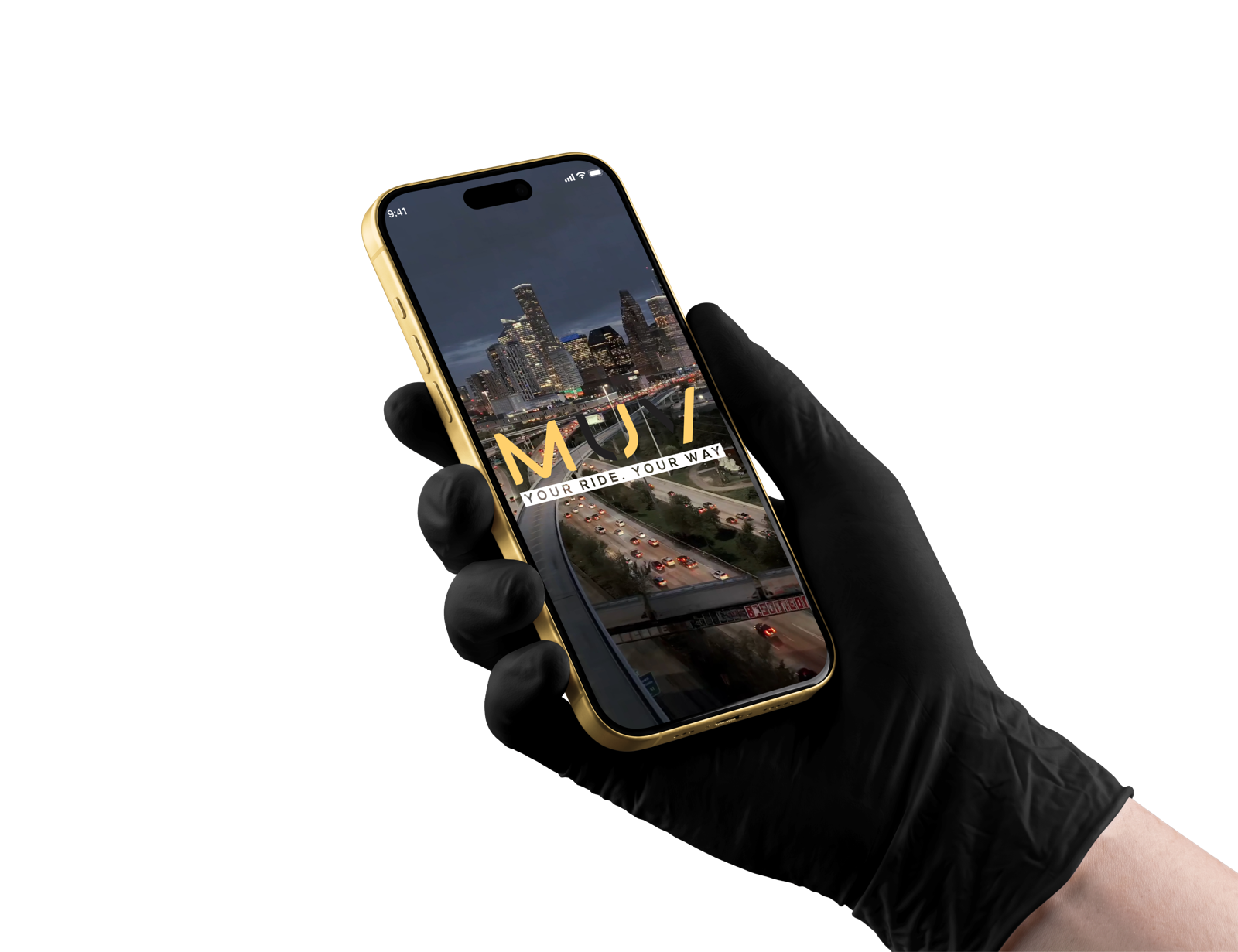

We're here whenever you MUV.
Send us a message and our team will respond swiftly.
Already riding with MUV?
Open the app and navigate to Help & Support for real-time telemetry resolution, live trip adjustments, and instantaneous priority dispatch.
Open MUV AppHeadquarters
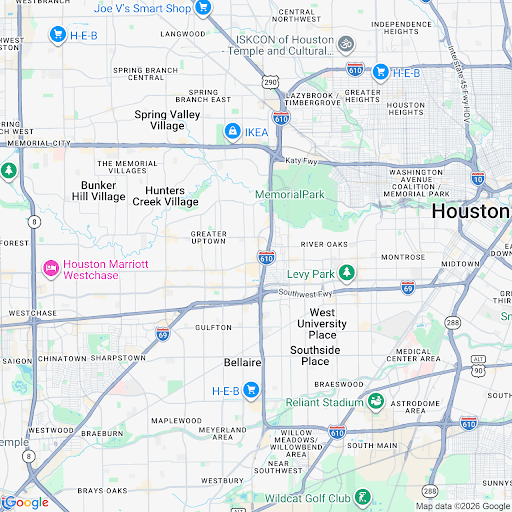
Houston Command Hub
2200 Post Oak Blvd Suite 1000
Houston, Texas 77056
Frequently Asked Questions
Everything you need to know about riding, driving, and security standards.
How does the 4-digit verification PIN work?
Every ride gets its own 4-digit PIN, shown only in your app once the driver arrives. Your driver enters it before the trip can start, so you never step into the wrong car.
What is MUV's shared ride feature?
Shared rides pool you with other passengers heading the same way for a lower fare. Your fare never goes above the quote, and your personal details stay private from co-passengers.
How do I add money to my MUV Wallet?
Open Wallet in the app and top up from a saved card. Your wallet balance is used first on each ride and your card covers the rest.
What happens if I tap the In-App SOS button?
SOS connects you with 911 and alerts the MUV safety team with your live location, driver and vehicle details so help can reach you fast.
Can I schedule a ride in advance for airport travel?
Yes. Book up to 30 days ahead with your fare locked at booking, and a driver is assigned ahead of your pickup time.
How do I sign up as a driver (MUVer)?
Download the MUV Driver app, add your vehicle details and documents, complete the background check with our vetting partner, and connect your bank for payouts.
Ready to MUV?
Download the MUV app now and get 15% off your first 3 rides in Greater Houston. Experience safety, clarity, and uncompromising luxury transit.